Toporic Overview
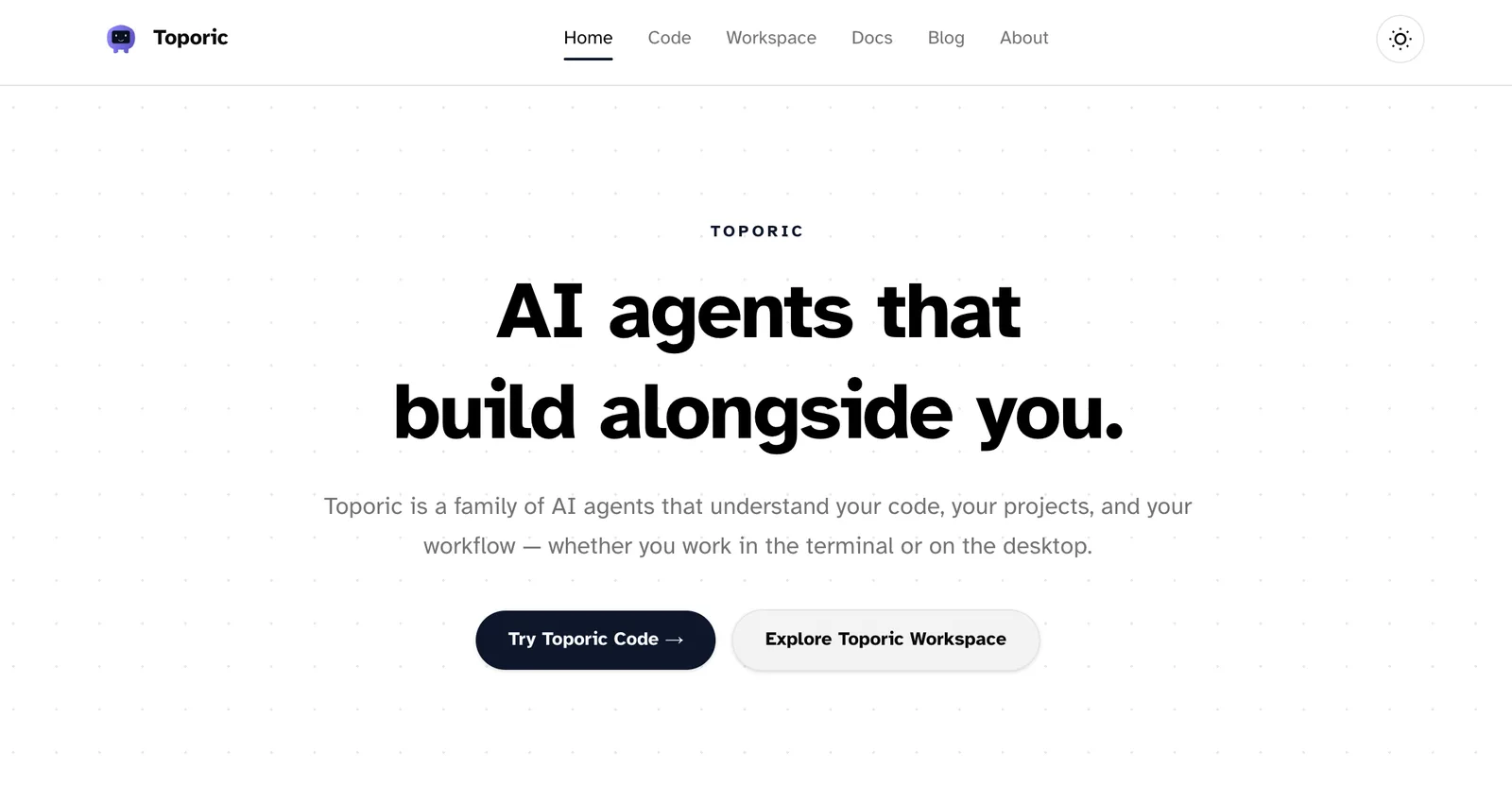
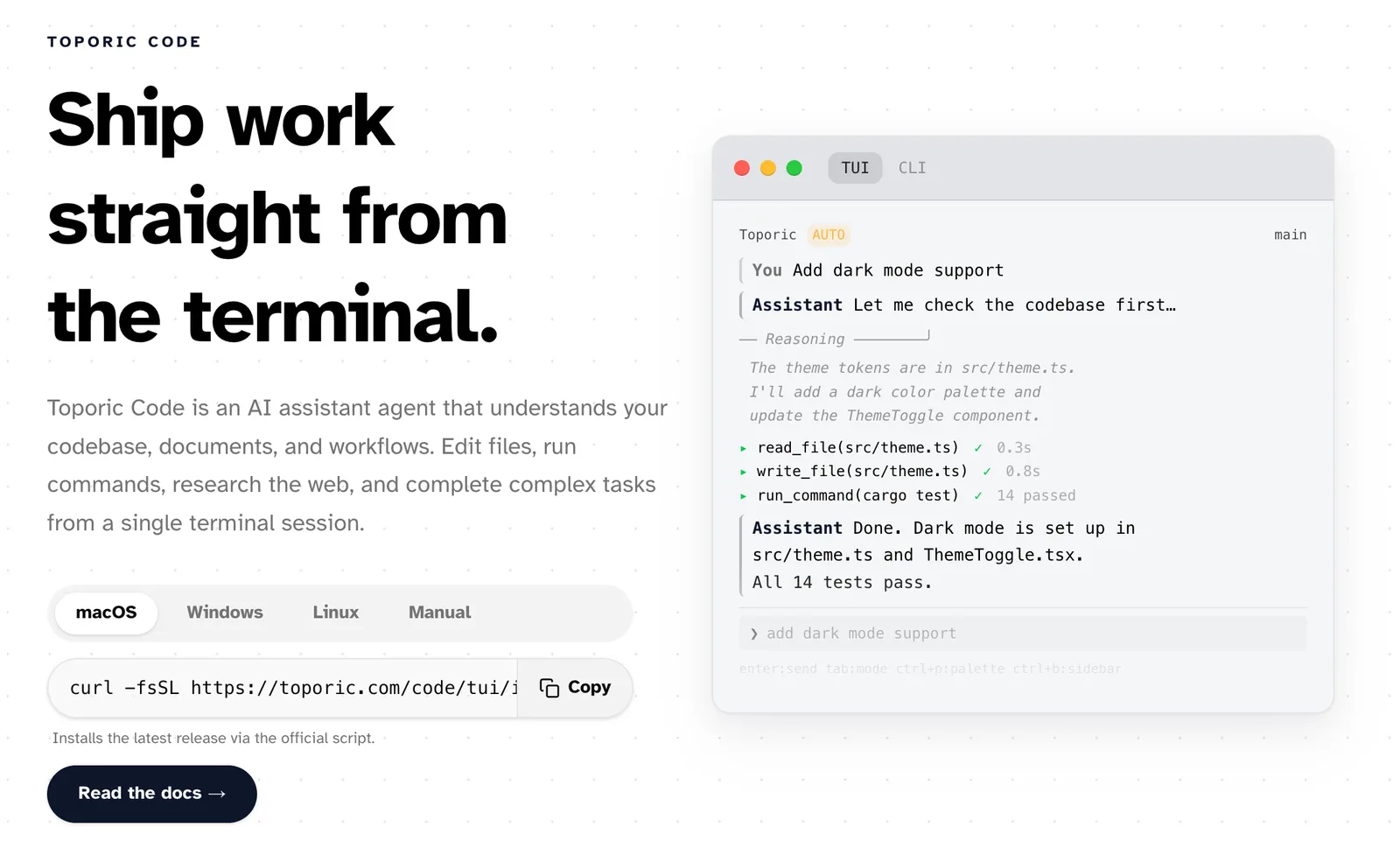
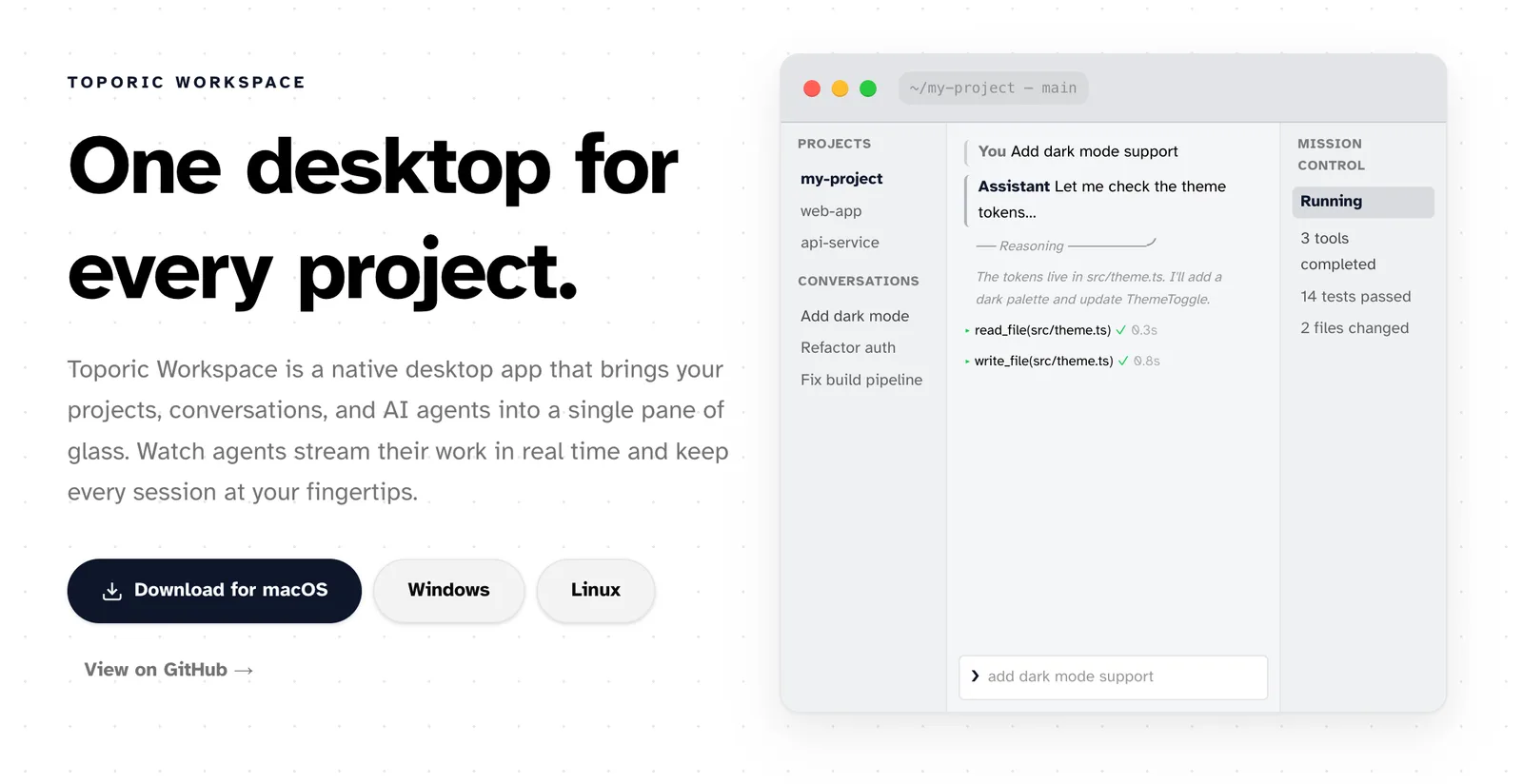
Toporic is an AI software development tool created for software developers, programmers, and engineers who want AI-powered assistance directly on their own machines. Its main differentiator is a strict local-first approach: all operations run on your device, with no cloud uploads or telemetry, so your code and data remain private and secure. Toporic provides two primary interfaces: Toporic Code, a terminal-native AI coding assistant, and Toporic Workspace, a desktop environment for managing projects and interacting with AI agents in real time.
One of Toporic’s core strengths is its Multi Provider Support, enabling users to connect with over 20 large language model (LLM) providers such as Anthropic, OpenAI, DeepSeek, and Ollama. You bring your own API keys, giving you full control over which models power your agents and the flexibility to switch between them or use local models as needed.
Toporic features more than 20 Built-in Tools, including file editing, shell execution, codebase search, web research, and LSP analysis. These tools are accessible from both the terminal and the desktop workspace, allowing you to edit files, run commands, and research the web without leaving your preferred environment. The Cross Platform capability means Toporic runs natively on macOS, Windows, and Linux, so you can use the same agent setup wherever you work.
With support for TypeScript, Python, Rust, Go, Java, Kotlin, C/C++, Ruby, C#, and Swift, Toporic is suitable for individuals or teams working across multiple tech stacks. The Toporic Workspace provides a unified window for project management, live chat, tool telemetry, and real-time agent monitoring, while Toporic Code brings these capabilities to the terminal.
As of October 2026, Toporic continues to focus on privacy, flexibility, and developer productivity. While there are no recent updates listed, its core features remain highly relevant for developers seeking local-first AI assistance.
Compared to alternatives, Toporic stands out for its uncompromising local-first philosophy, broad LLM provider support, comprehensive built-in toolset, and cross-platform compatibility. It is especially well-suited for developers who prioritize privacy and want to avoid cloud-based AI coding assistants.
Features of Toporic
Local First: Runs entirely on your machine with no cloud upload or telemetry, ensuring privacy.
Multi Provider Support: Connects to 20+ LLM providers, including Anthropic, OpenAI, DeepSeek, and Ollama, with user-supplied API keys.
20+ Built-in Tools: Offers file editing, shell execution, codebase search, web research, LSP analysis, and more.
Cross Platform: Native support for macOS, Windows, and Linux.
Works with Every Language: Compatible with TypeScript, Python, Rust, Go, Java, Kotlin, C/C++, Ruby, C#, and Swift.
Toporic Code: Terminal-native AI coding assistant for editing, running commands, and research.
Toporic Workspace: Desktop workspace for project management, live chat, and real-time agent monitoring.
Toporic Use Cases
Private AI Coding Assistance: Developers can use AI-powered code suggestions and edits without uploading code to the cloud.
Multi-Model Experimentation: Programmers can switch between LLM providers for different tasks or preferences.
Cross-Platform Development: Teams working across macOS, Windows, and Linux can maintain a consistent AI toolchain.
Complex Project Management: Software engineers can manage projects, chat with agents, and monitor tool telemetry in one workspace.
Pricing Details
Toporic is completely free to use.
Toporic Pros & Cons
Pros:
Local First ensures data privacy and security.
Multi Provider Support allows flexible LLM selection.
20+ Built-in Tools cover a wide range of development tasks.
Cross Platform compatibility for diverse environments.
Cons:
No listed limitations as of October 2026.
Product Images