Cursor Overview
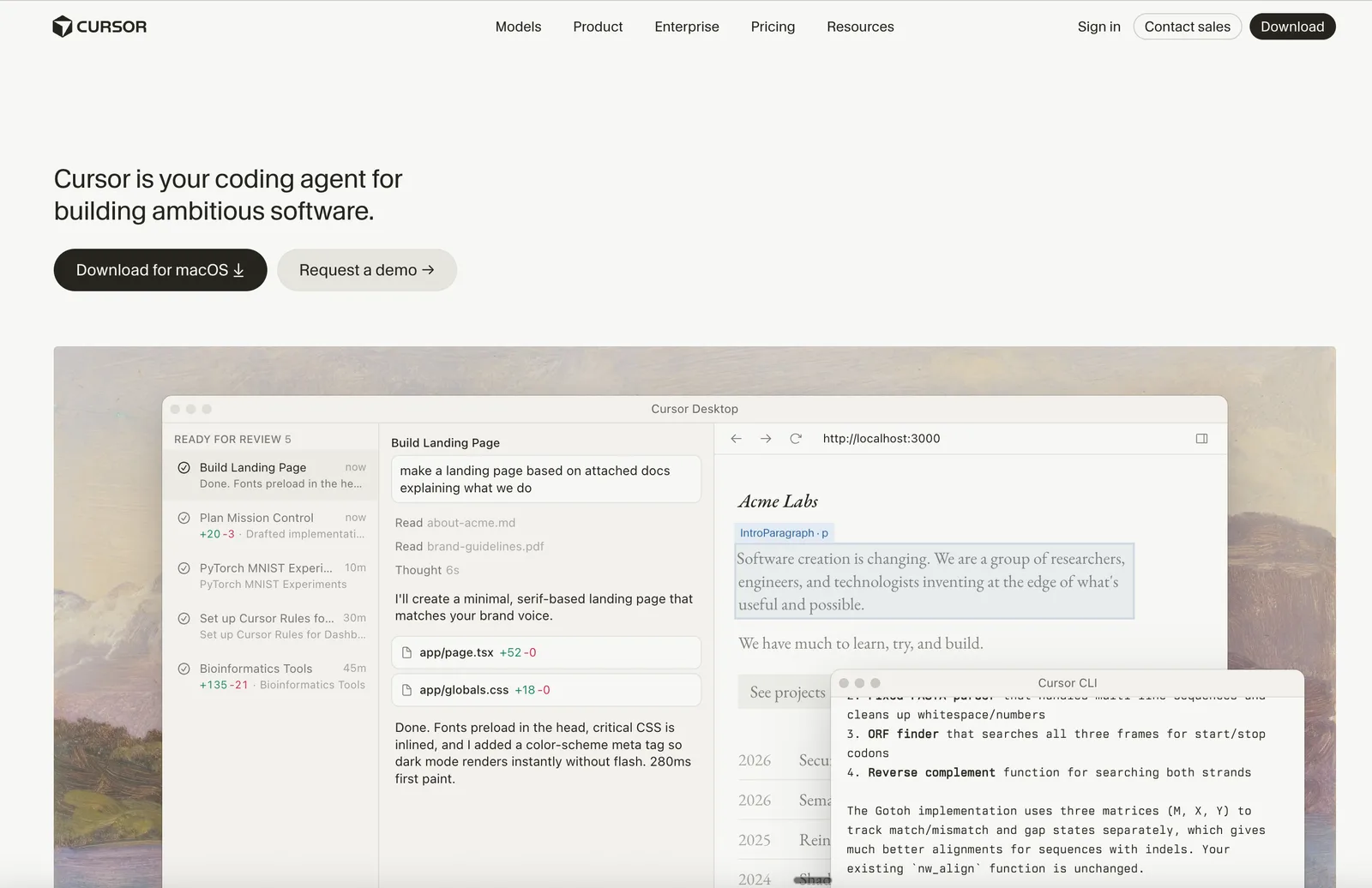
Cursor is an AI coding assistant developed for software developers and engineering teams who want to accelerate software creation using autonomous agents. Its main differentiator is the ability to turn ideas into code through agents that plan, write, test, and deploy features end-to-end. Cursor is available across macOS, Windows, Linux, web, and mobile platforms, making it accessible for both individual developers and collaborative teams.
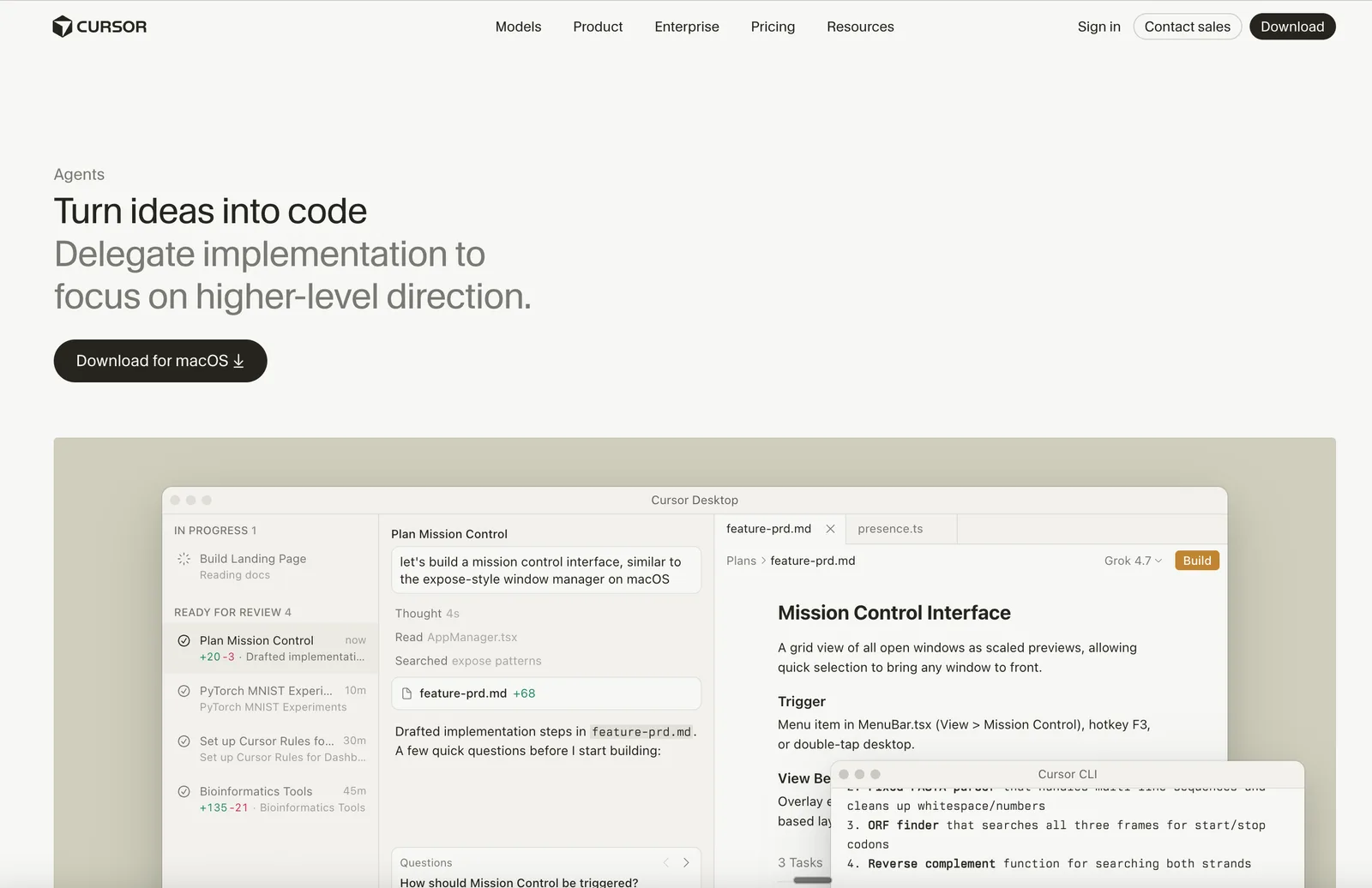
Autonomous Code Generation is a core feature, enabling agents to handle tasks from start to finish and reducing manual effort for developers. The Mission Control Interface provides a grid view for managing all open windows, which helps with multitasking and workflow organization. Cloud Agents allow code to be built, tested, and demoed on dedicated cloud environments, supporting distributed teams and review processes. Cursor also offers Integration with Development Tools such as GitHub, Slack, JetBrains IDEs, and Neovim, so it fits into existing workflows.
Fast Codebase Search is powered by Instant Grep, which can search millions of files in milliseconds, making it easier to navigate large codebases. Plan Mode helps with complex tasks by prompting clarifying questions, building a plan, and executing it in the background. Design Mode enables visual editing of web pages, allowing developers to rewrite, resize, or move elements instantly. Multiple AI Models are supported, with subagents running in parallel and each using the best model for their specific task.
In October 2026, Cursor introduced Cloud Agent Canvases, allowing agents to build interactive canvases that can be shared via links. The Environments API (beta) was also launched, enabling programmatic creation and management of cloud environments. Other recent updates include the Origin App Marketplace for integrating with over 20 apps and remote control for local agents via the Cursor iOS app.
Compared to alternatives, Cursor distinguishes itself with its autonomous agents, deep integration with development tools, and features designed for large codebases and team collaboration. While some advanced features are only available in higher-tier plans, Cursor’s core offering is comprehensive for teams seeking to automate and improve their software development lifecycle.
Features of Cursor
Autonomous Code Generation: Agents turn ideas into code, handling tasks autonomously from planning to deployment.
Mission Control Interface: Grid view for managing all open windows and quickly switching between tasks.
Cloud Agents: Build, test, and demo features end-to-end on dedicated cloud environments.
Integration with Development Tools: Runs in terminal, collaborates in Slack, and reviews PRs in GitHub.
Fast Codebase Search: Instant Grep searches millions of files in milliseconds.
Plan Mode: For complex tasks, Cursor asks clarifying questions, builds a plan, and executes it in the background.
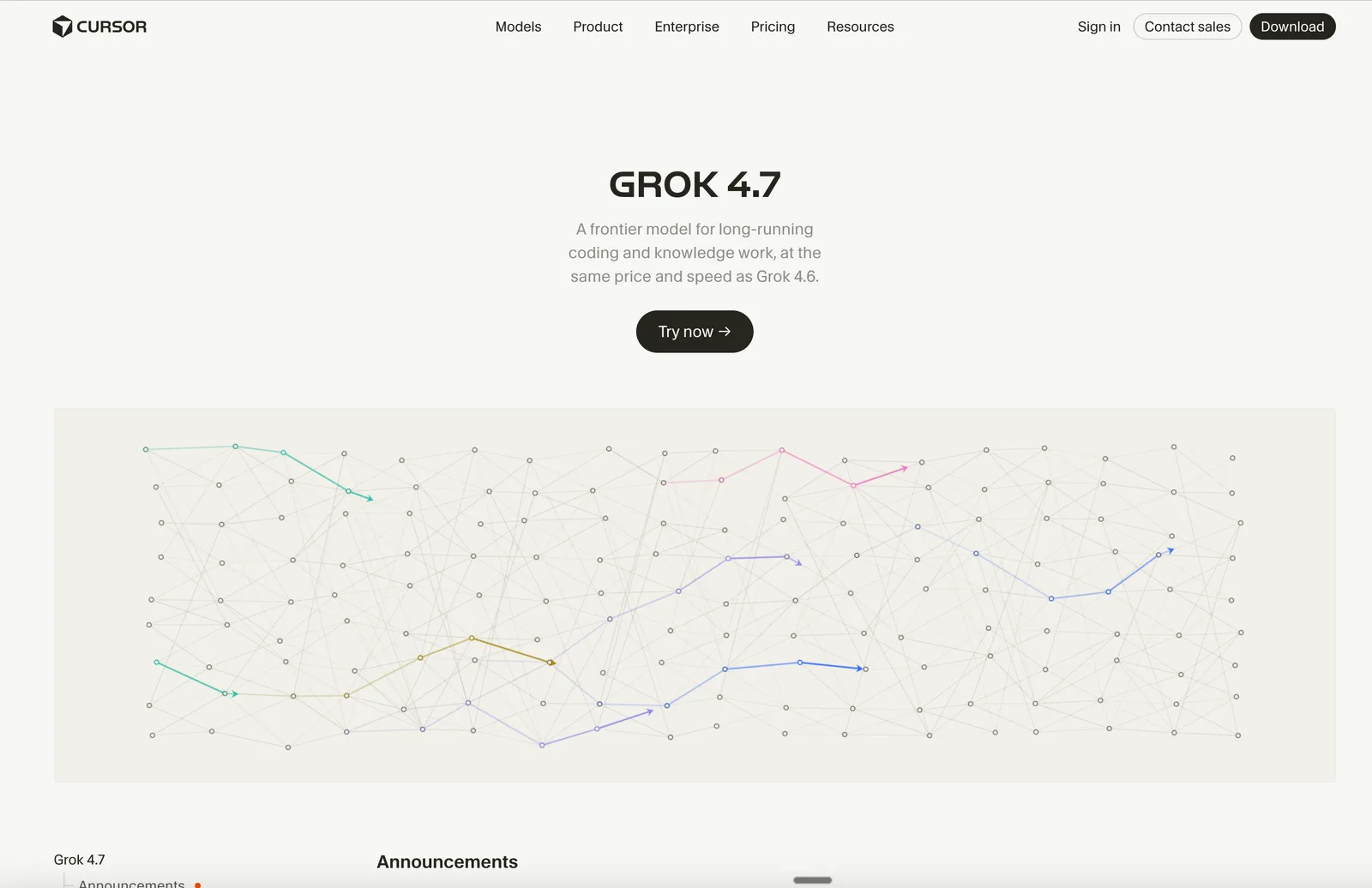
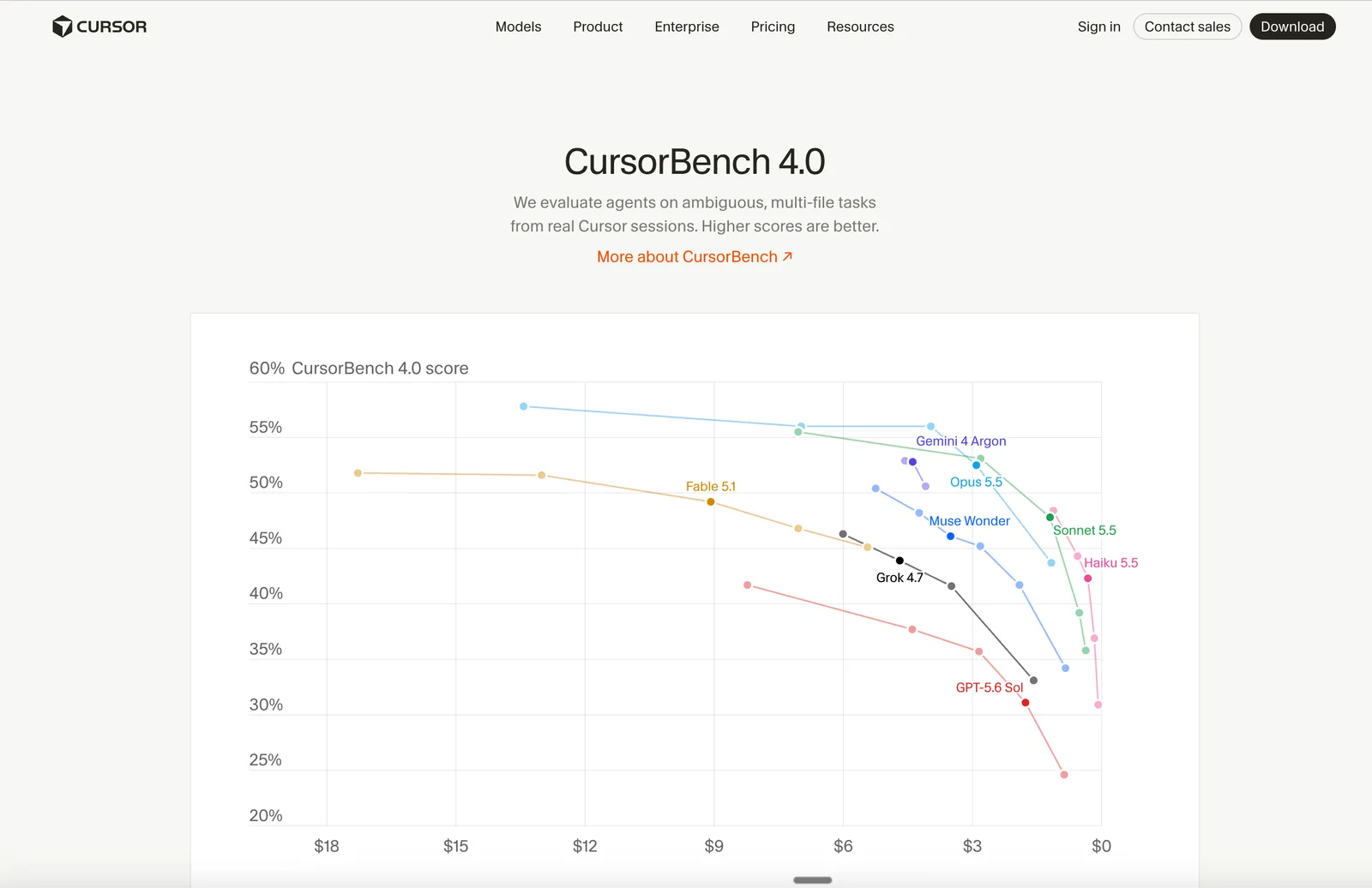
Multiple AI Models: Subagents run in parallel, each using the best model for the task.
Cursor Use Cases
Automated Feature Development: Engineering teams can delegate entire feature builds to Cursor’s autonomous agents.
Codebase Exploration: Developers quickly search and navigate large codebases using Instant Grep.
Collaborative Code Reviews: Teams use Cursor’s integration with GitHub and Slack for reviewing and discussing pull requests.
Visual Web Editing: Developers visually edit and refactor web pages using Design Mode.
Custom Team Workflows: Organizations enforce coding standards and architectural decisions with Team Rules.
Pricing Details
Cursor offers several plans: Free: $0/month — includes limited AI usage, limited agent requests, limited chat requests. Plus: $8/month — includes shared AI usage pool, Grok Chat, Voice, Imagine, Build, and Grok API access. Premium: $30/month — includes 4x usage compared to Plus, latest Grok models, cloud agents & automations, code hosting & AI code reviews, third-party models at API list price, Grok Bot, faster chat responses, AI image & video generation. Super: $100/month — includes 15x usage compared to Plus, priority model access at peak times. Ultra: $200/month — includes 50x usage compared to Plus, earliest access to all products & models.
Cursor Pros & Cons
Pros:
Autonomous Code Generation accelerates development.
Fast Codebase Search handles millions of files instantly.
Deep Integration with Development Tools streamlines workflows.
Multiple AI Models allow parallel task execution.
Cons:
Free plan offers limited AI usage and features.
Some integrations may require additional setup or configuration.
Advanced features like cloud agents and automations are available only in higher-tier plans.
Product Images