Google Veo Overview
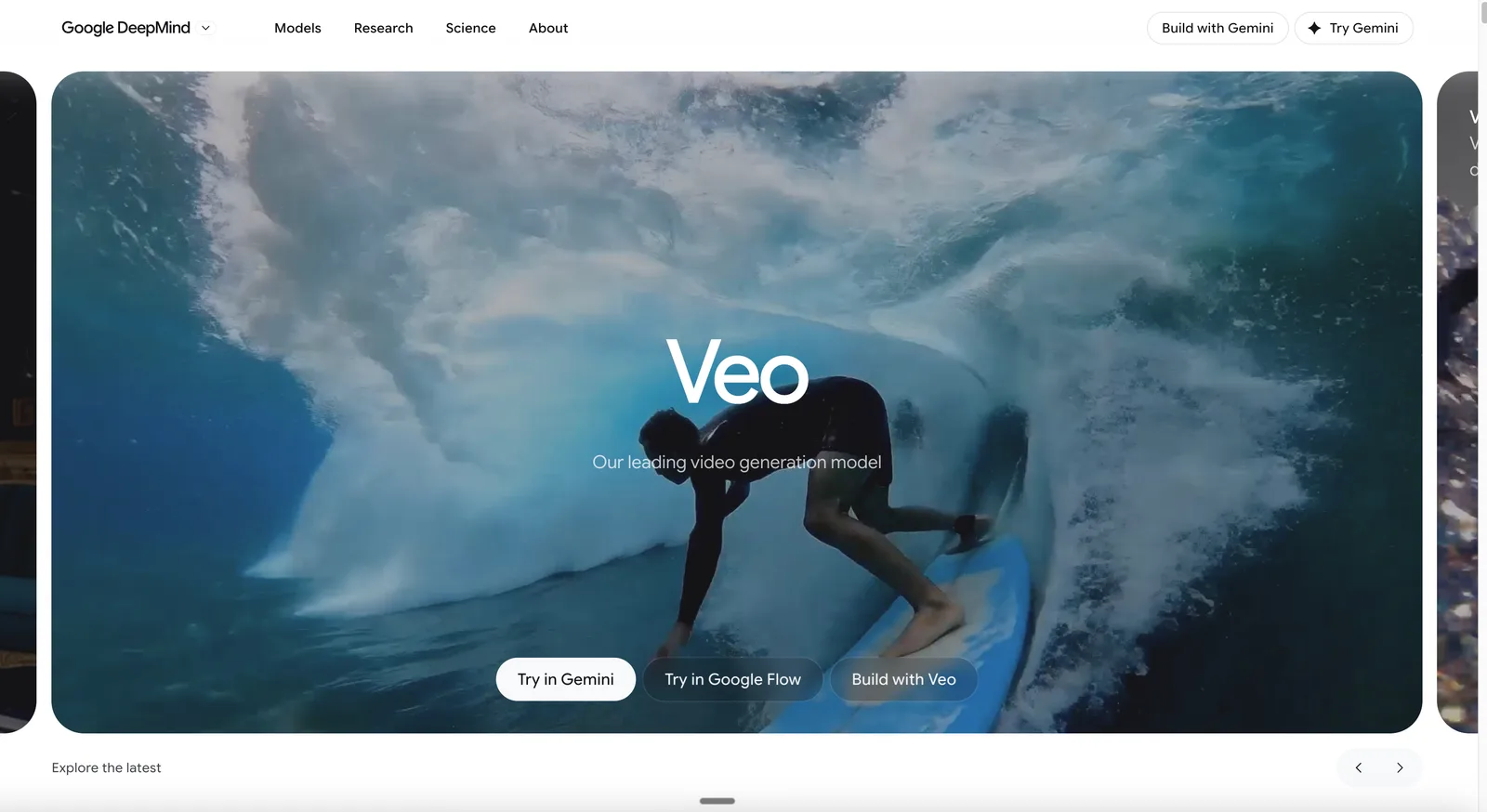
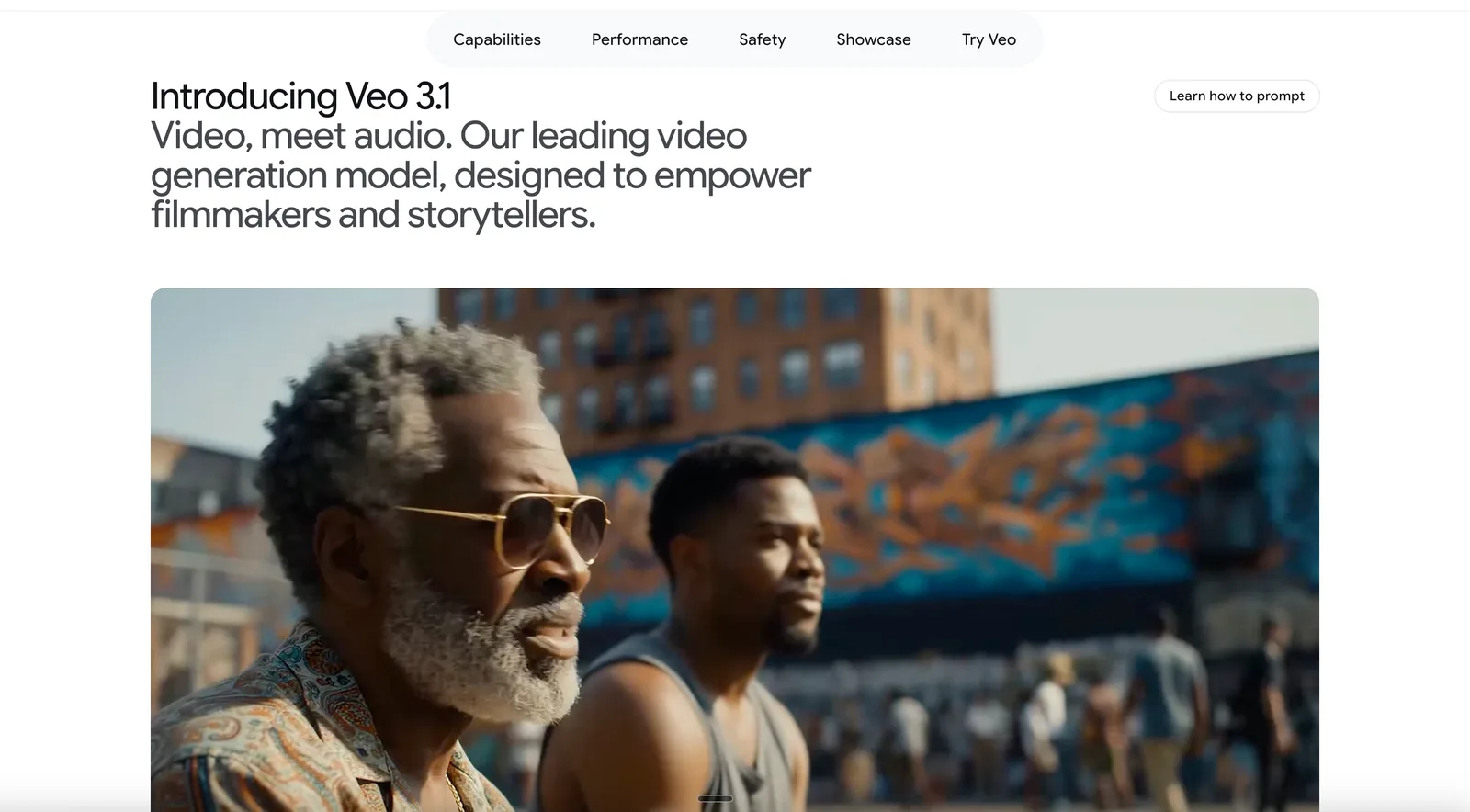
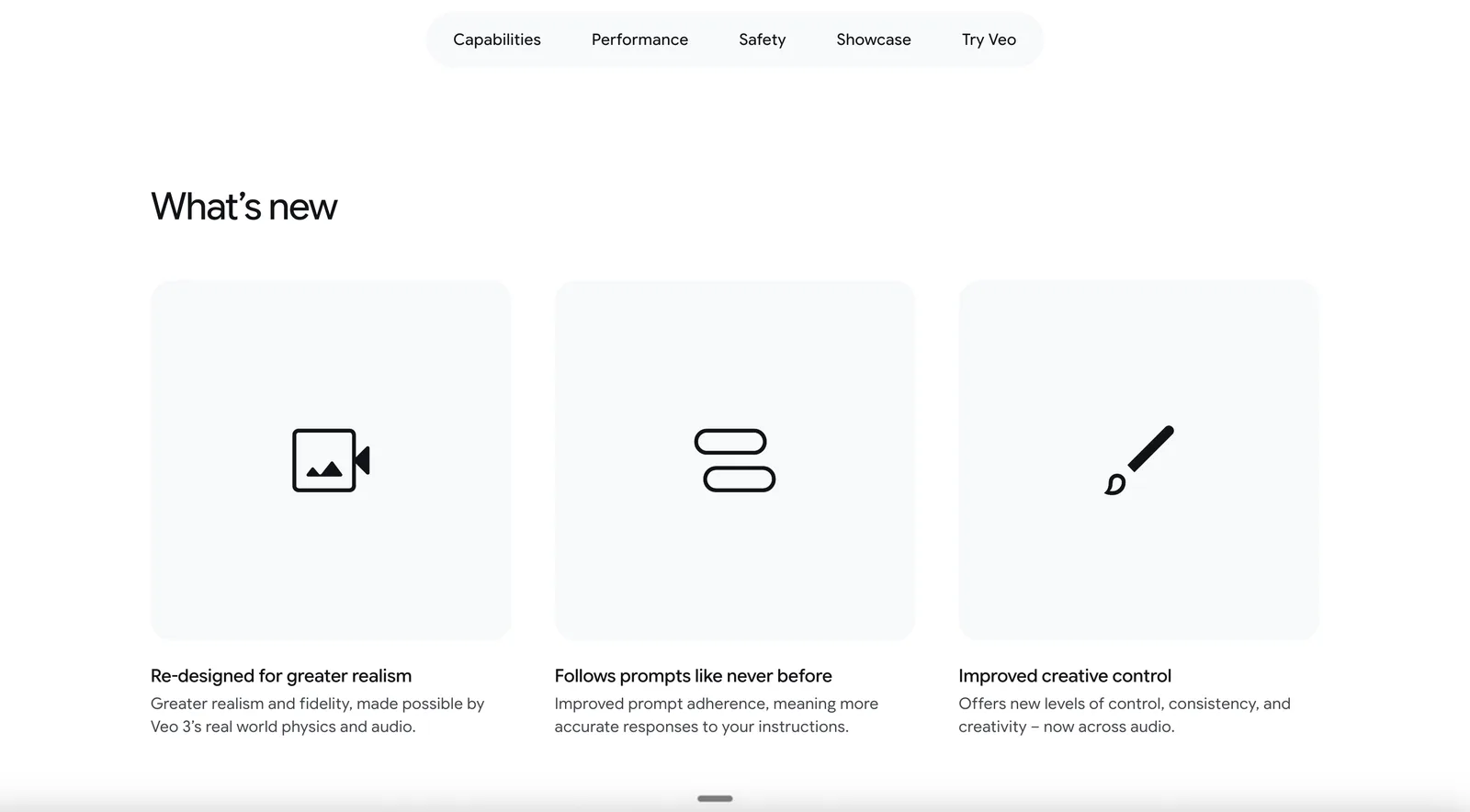
Veo 3.1 from Google DeepMind is an AI-powered video generation model for filmmakers, content creators, marketing professionals, and developers who want to create cinematic videos from text or image prompts. Its main differentiator is native audio generation, which produces synchronized dialogue, sound effects, and ambient audio directly with high-fidelity video.
Key features include high-resolution output up to 4K, enabling professional-grade visuals for a range of creative and commercial uses. Extended video length lets users generate clips of 4, 6, or 8 seconds, and through API access, extend up to 148 seconds, making it suitable for both short and longer narrative content. Reference image support allows up to three images for maintaining character consistency across sequences, which is valuable for storytelling and branding.
First and last frame control enables interpolation between specified starting and ending frames, giving creators more control over scene transitions and narrative flow. SynthID watermarking is built in to embed an invisible watermark in all outputs, supporting provenance and authenticity.
Recent updates include the October 2025 release of Veo 3.1, which introduced native audio generation and extended video length capabilities. In March 2026, the launch of Veo 3.1 Lite offered a more affordable tier with slightly reduced features, making the technology accessible to a wider audience.
Compared to other video generation tools, Veo 3.1 stands out for its combination of synchronized native audio, high-resolution output, and extended video duration. While it offers advanced creative controls and integration with Google Cloud and Gemini API, users should note daily usage caps, limited granular scene control, and occasional visual inconsistencies in complex scenes.
Features of Google Veo
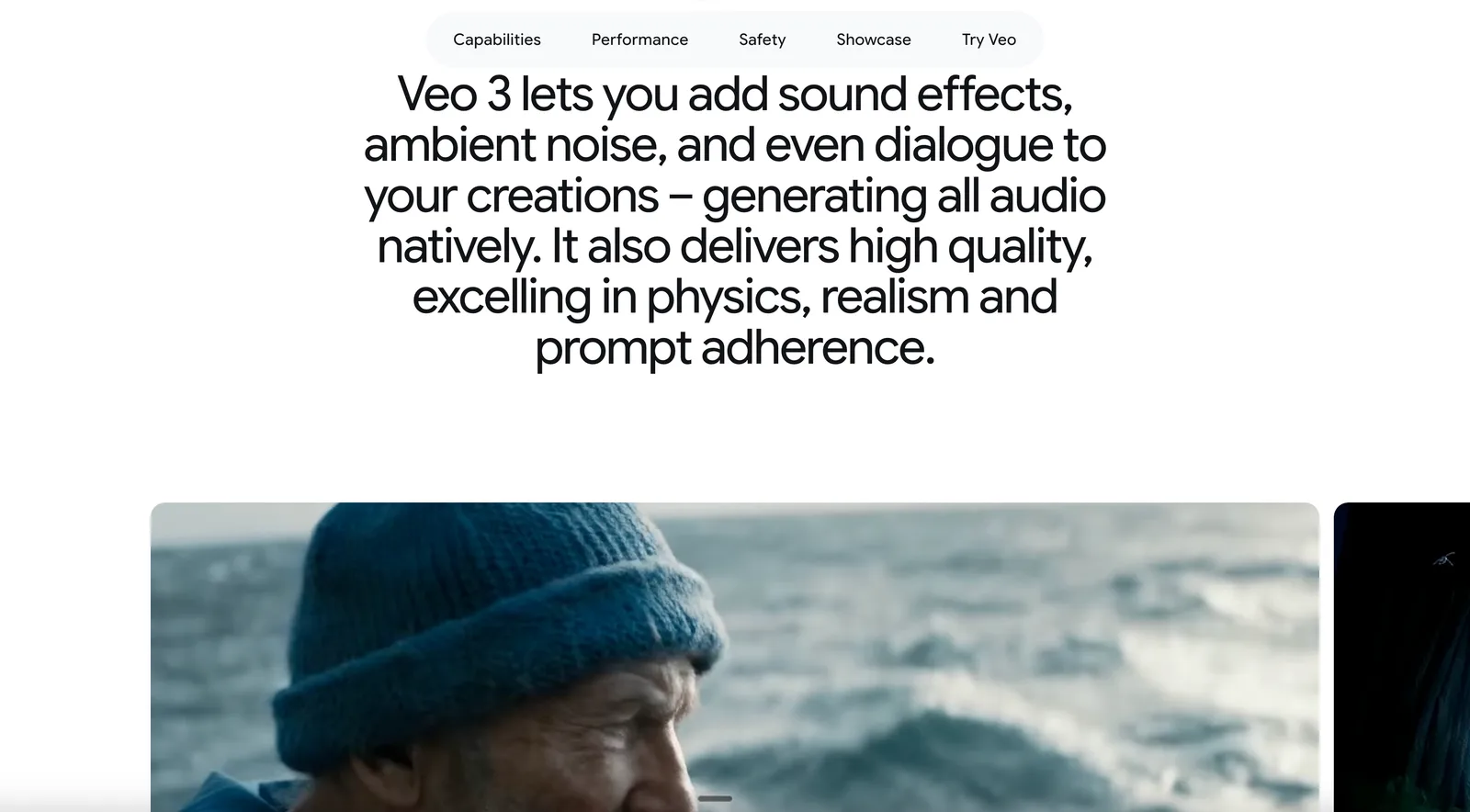
Native Audio Generation: Generates synchronized dialogue, sound effects, and ambient audio alongside video.
High-Resolution Output: Produces videos up to 4K resolution.
Extended Video Length: Creates clips of 4, 6, or 8 seconds, extendable up to 148 seconds via API.
Reference Image Support: Allows up to three reference images for character consistency across sequences.
First and Last Frame Control: Enables interpolation between specified starting and ending frames.
SynthID Watermarking: Embeds an invisible watermark in all outputs for provenance tracking.
Google Veo Use Cases
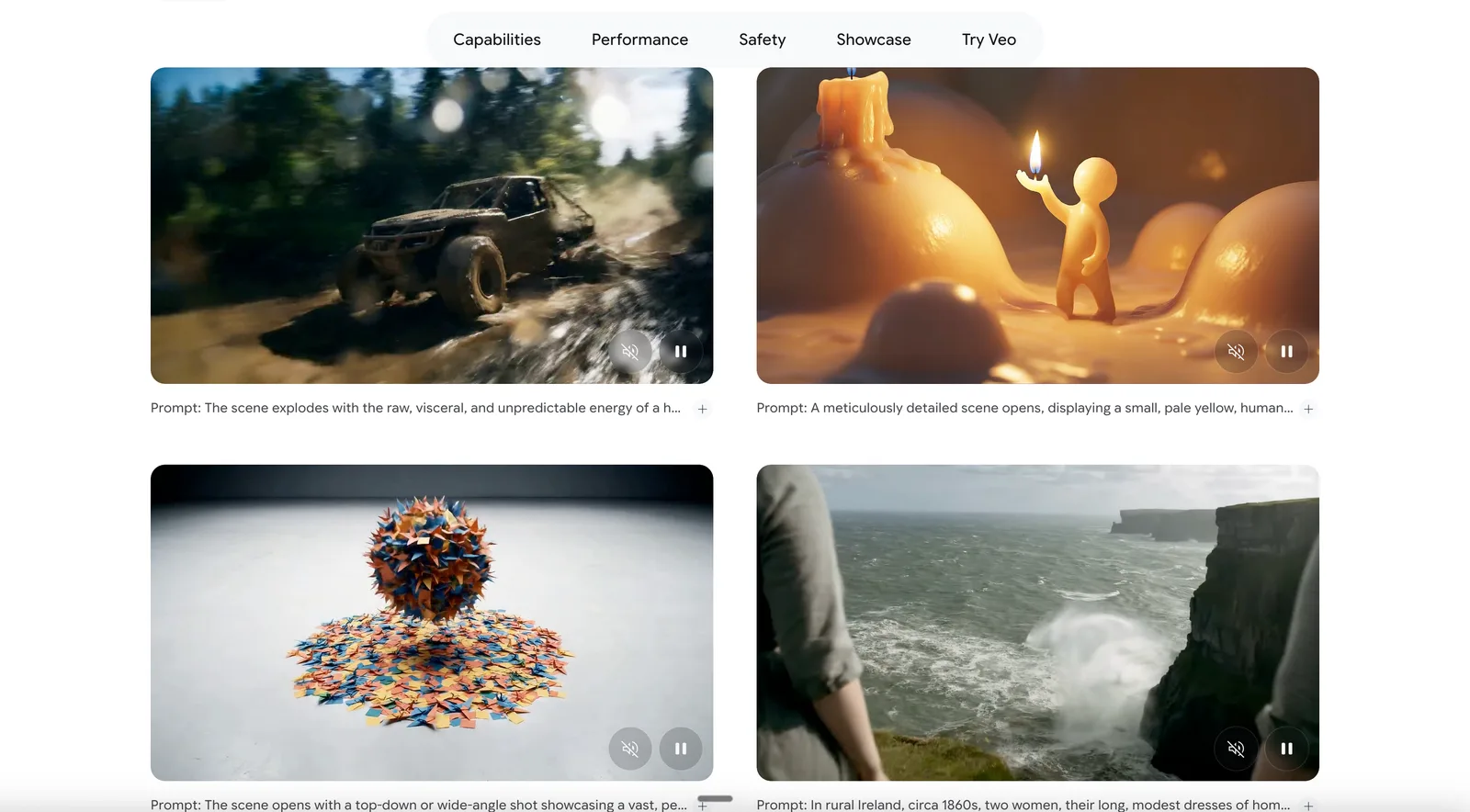
Cinematic Short Films: Filmmakers can generate high-quality, audio-synced video sequences for storytelling.
Marketing Campaigns: Marketing professionals create branded video content with consistent characters and style.
Social Media Content: Content creators produce engaging, high-resolution clips for platforms like YouTube or Instagram.
Prototype Video Apps: Developers integrate Veo 3.1 via API to power video features in their applications.
Pricing Details
Veo 3.1 offers several pricing plans for different needs.
Google AI Plus: $4.99 monthly — includes 200 Flow credits.
Google AI Pro: $19.99 monthly — includes 1,000 Flow credits.
Google AI Ultra: $99.99 monthly — includes 10,000 Flow credits.
Veo 3.1 Standard API: $0.40 per second — includes 720p or 1080p video with audio.
Veo 3.1 Fast API: $0.10 per second — includes 720p video with audio.
Veo 3.1 Lite API: $0.05 per second — includes 720p video with audio.
Google Veo Pros & Cons
Pros:
Native Audio Generation delivers synchronized dialogue and effects.
High-Resolution Output up to 4K for professional visuals.
Extended Video Length supports clips up to 148 seconds via API.
Reference Image Support ensures character consistency.
Cons:
Strict daily usage caps limiting large-scale experimentation.
Limited granular control over scene details.
Potential visual glitches and inconsistencies in complex scenes.
Product Images