Zapier Overview
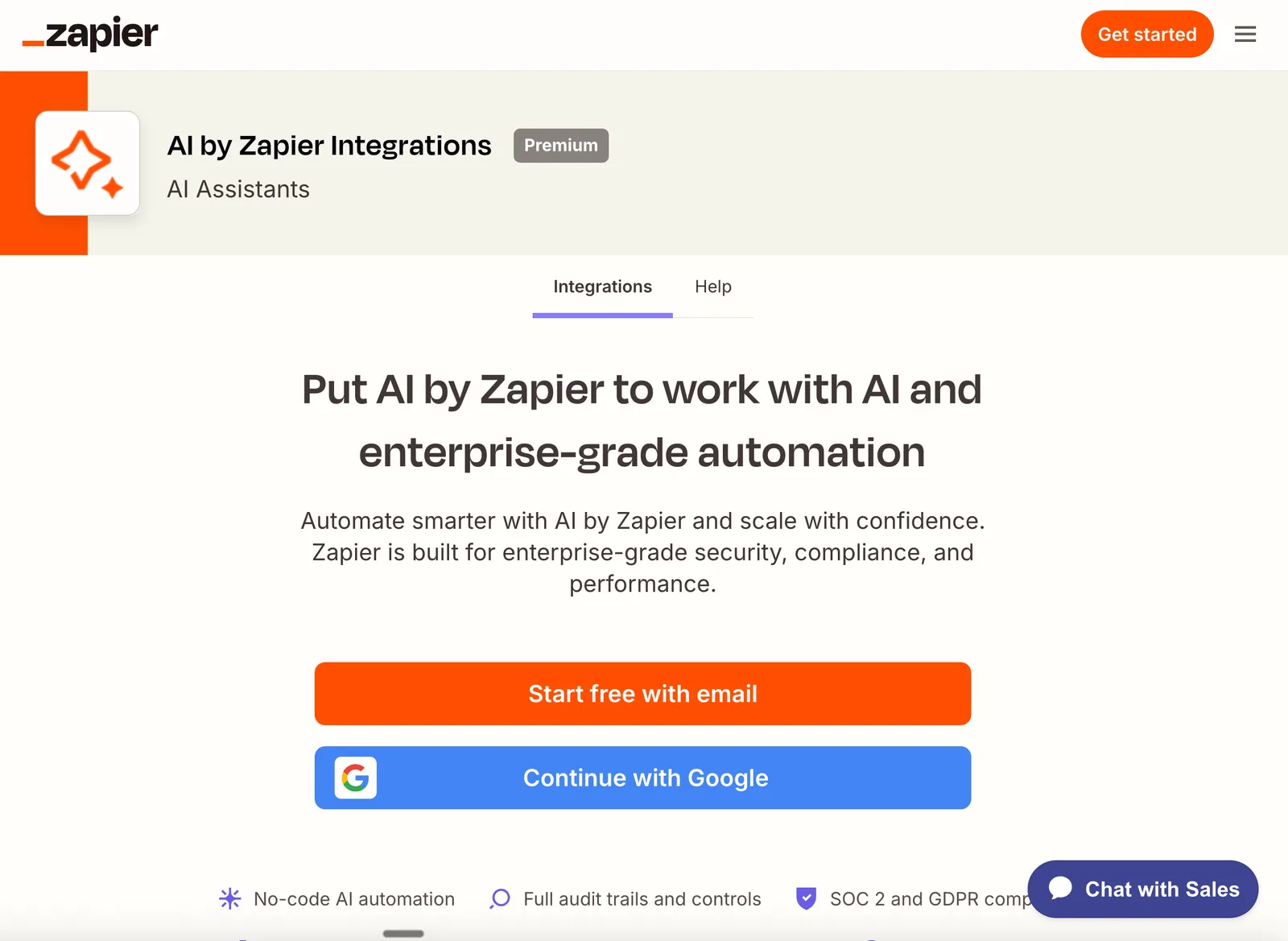
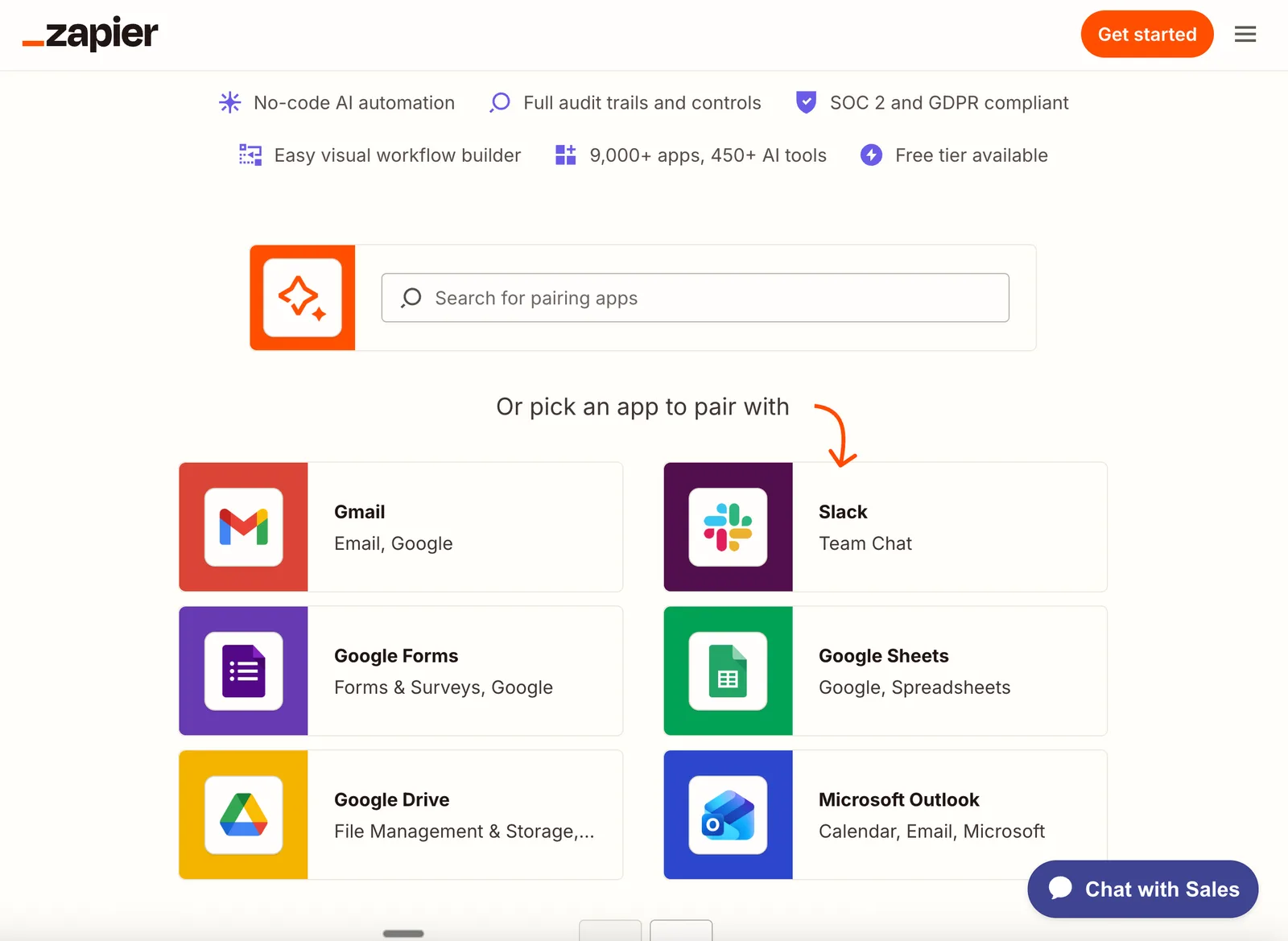
Zapier is a web-based automation platform that enables individuals, small businesses, and enterprises to connect over 9,000 apps and automate repetitive tasks without any coding. Its main differentiator is the sheer breadth of its app integration ecosystem, allowing users to link popular tools like Gmail, Slack, Notion, and Microsoft Outlook through customizable workflows known as Zaps.
No-Code Automation empowers users to build workflows without technical skills, while Extensive App Integrations ensure compatibility with a vast range of business and productivity tools. AI-Powered Workflows let users add steps for data extraction, content classification, and automated responses using a variety of leading AI models. Multi-Step Zaps support the automation of more complex processes, and Conditional Logic introduces filters and branching paths for workflows that adapt to different scenarios. Webhooks Support allows integration with custom APIs and real-time data updates, and Shared Workspaces make team collaboration straightforward.
Recent updates in June and August 2026 brought a model-based pricing structure for AI steps and unified task-based pricing across AI, code, and SDK tasks. These changes aim to provide clearer, more consistent billing for users, especially those scaling their automation efforts.
Zapier distinguishes itself from alternatives through its no-code approach, extensive app ecosystem, and flexible pricing options. While advanced AI features are only available on higher-tier plans and task-based pricing may increase costs for heavy automation users, Zapier remains a leading choice for accessible, scalable automation with deep integration capabilities.
Features of Zapier
No-Code Automation: Create automated workflows (Zaps) without any coding knowledge.
Extensive App Integrations: Connect with over 9,000 apps to streamline various tasks.
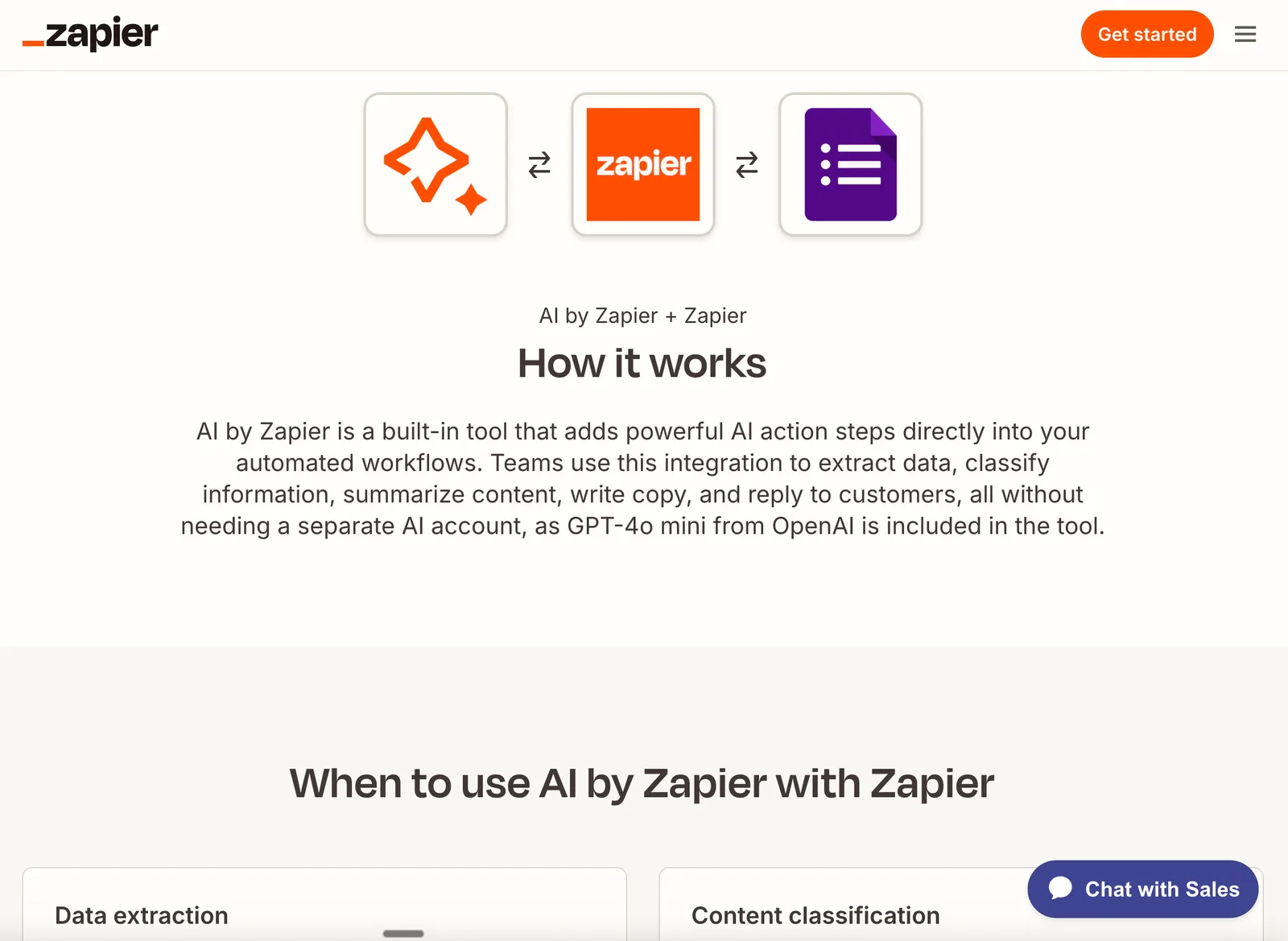
AI-Powered Workflows: Incorporate AI steps into workflows for tasks like data extraction and content classification.
Multi-Step Zaps: Build complex workflows with multiple steps to automate intricate processes.
Conditional Logic: Use filters and paths to create workflows that respond differently based on conditions.
Webhooks Support: Integrate with custom APIs and receive real-time data updates.
Shared Workspaces: Collaborate with team members by sharing workflows and resources.
Zapier Use Cases
Automate routine business tasks: Individuals and small businesses can connect apps like Gmail, Notion, and Slack to handle repetitive processes such as email sorting, task creation, and notifications without coding.
Enhance team collaboration: Teams can use shared workspaces to build and manage workflows together, improving coordination and resource sharing.
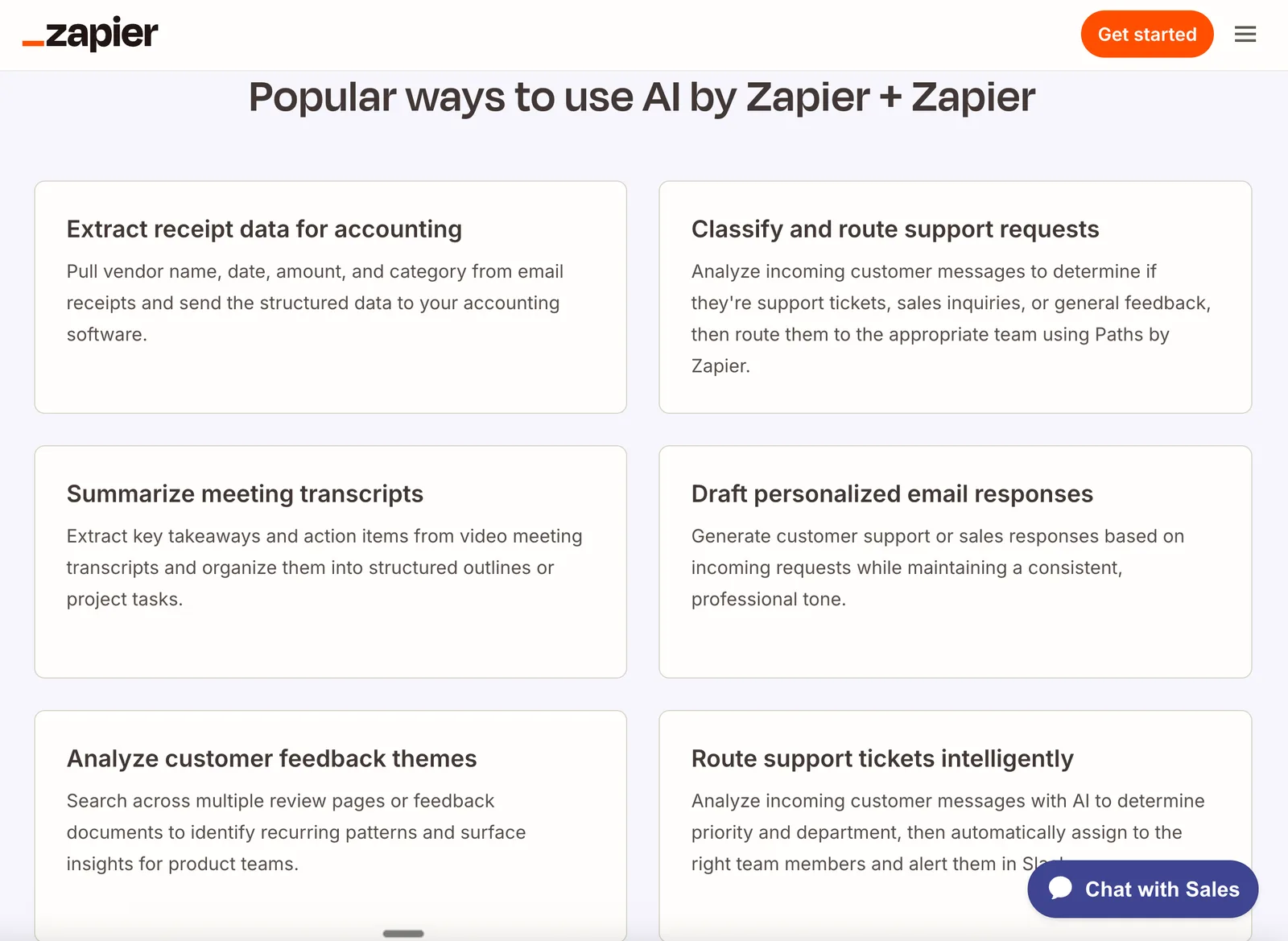
Integrate AI for smarter workflows: Users can add AI-powered steps for data extraction, content classification, or automated responses using leading AI models.
Sync data across custom tools: IT teams and developers can use webhooks to connect internal systems and ensure real-time data updates between platforms.
Manage complex, multi-step automations: Enterprises can automate cross-departmental processes with multi-step Zaps and conditional logic for workflows that adapt to different scenarios.
Pricing Details
Zapier offers several pricing plans: Free: $0 per month — includes 100 tasks per month, unlimited Zaps, Tables, and Forms, two-step Zaps, Zapier Copilot. Professional: $19.99 per month — includes Multi-step Zaps, unlimited Premium apps, webhooks, email and live chat support, AI fields, conditional form logic. Team: $69 per month — includes 25 users, shared Zaps and folders, shared app connections, SAML SSO, priority support. Enterprise: Contact for pricing — includes unlimited users, advanced admin permissions and app controls, advanced deployment options, annual task limits, observability, Technical Account Manager, priority support with screen sharing.
Zapier Pros & Cons
Pros:
Extensive App Integrations connect with 9,000+ apps.
No-Code Automation allows non-developers to build workflows.
AI-Powered Workflows support advanced tasks like data extraction.
Multi-Step Zaps and Conditional Logic enable complex automations.
Cons:
Advanced AI features require higher-tier plans.
Task-based pricing may lead to higher costs for extensive automation.
Some integrations may have limited functionality compared to native app features.
Product Images