Google AI Studio Overview
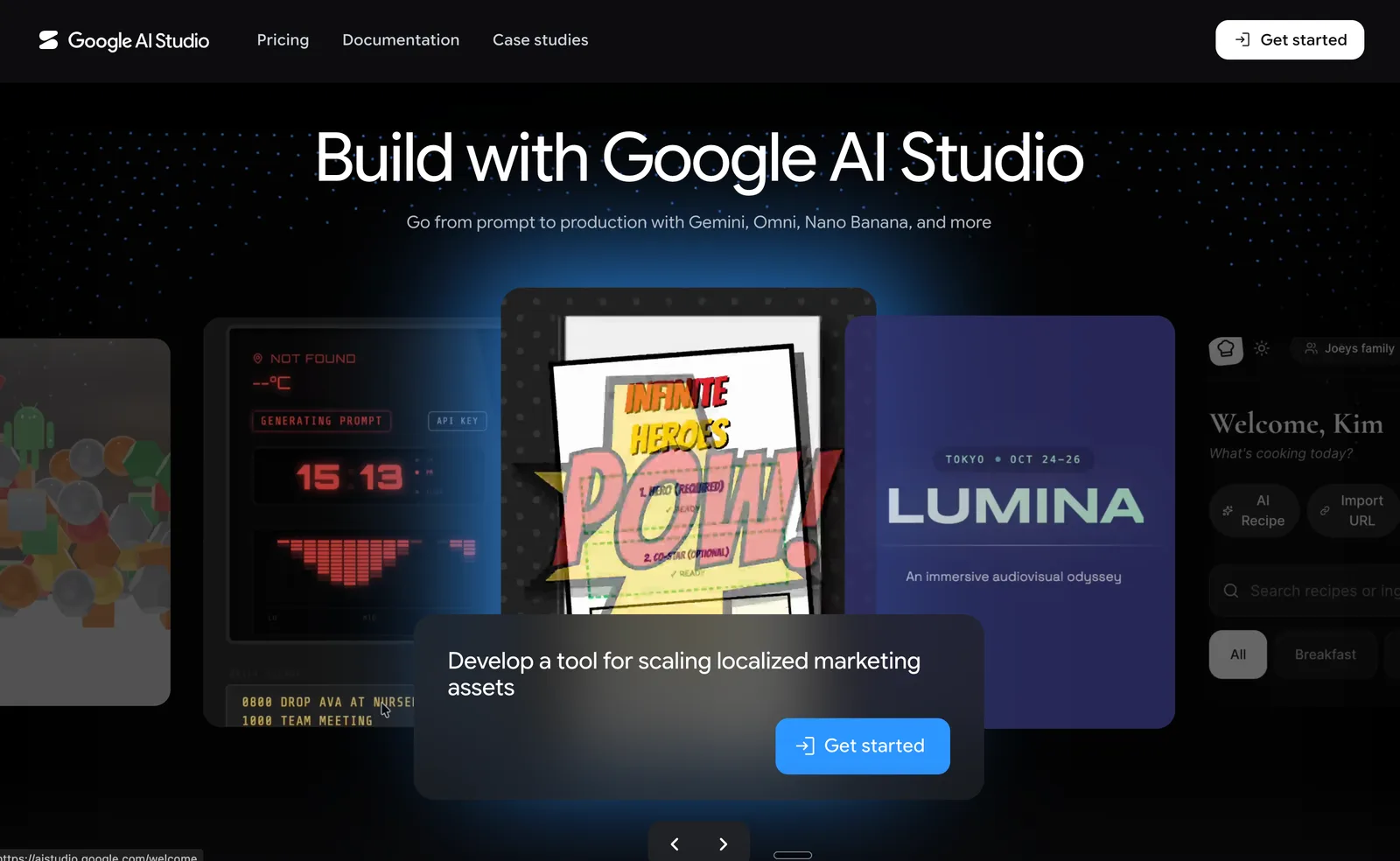
Google AI Studio is a browser-based development platform created for developers, researchers, and businesses who want to build, test, and deploy generative AI applications using Google's Gemini models. Its main differentiator is the direct, no-cost access to Gemini 3 Pro and Gemini 3 Flash models, with a generous free tier and comprehensive multimodal input support. This makes it especially appealing to users looking to experiment with advanced AI without complex infrastructure or high upfront costs.
The platform features multimodal input support, enabling users to work with text, images, video, and audio for a wide range of AI projects. Its prompt testing and engineering tools allow for iterative design and refinement of prompts across all supported Gemini models, helping users optimize AI behavior efficiently. API key management is integrated, making it straightforward to connect Gemini models to external applications and services. Real-time collaboration tools and built-in documentation are included to support team-based development and knowledge sharing.
Google AI Studio also provides structured output testing, allowing users to validate JSON schemas and output formats to ensure data integrity for production use. The platform supports building AI agents directly in the browser and offers code generation for rapid prototyping. For creative work, image generation with Imagen 4 and video generation with Veo models are available, with some features reserved for paid tiers.
In October 2026, Google updated model access: free-tier users are now limited to the Flash-Lite (3.5) model, and Plus-tier users no longer have access to Pro (3.1). Earlier in 2026, usage limits were expanded for AI Pro and Ultra subscribers, and a $100/month AI Ultra plan was introduced, offering advanced features and higher quotas for power users.
Compared to other AI development platforms, Google AI Studio is notable for its integration with Google's cloud ecosystem, generous free tier, and extensive multimodal input support. Users who require full access to the latest Gemini models or advanced features will need to consider upgrading to a paid subscription.
Features of Google AI Studio
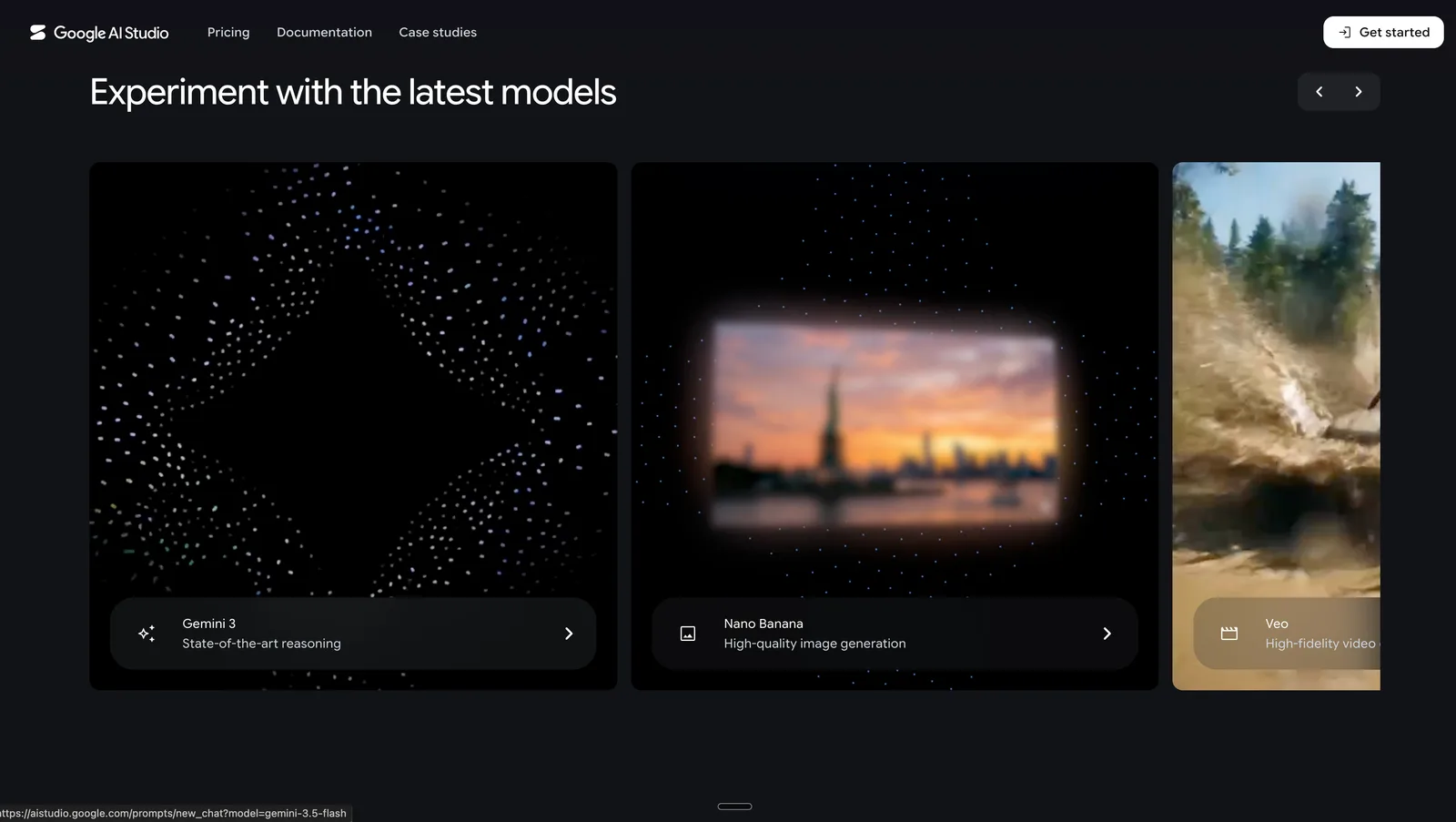
Access to Gemini Models: Provides free access to Gemini 3 Pro and Gemini 3 Flash models with 1 million token context windows.
Multimodal Input Support: Supports text, image, video, and audio inputs for comprehensive AI application development.
Prompt Testing and Engineering: Allows design, iteration, and refinement of prompts across all Gemini models.
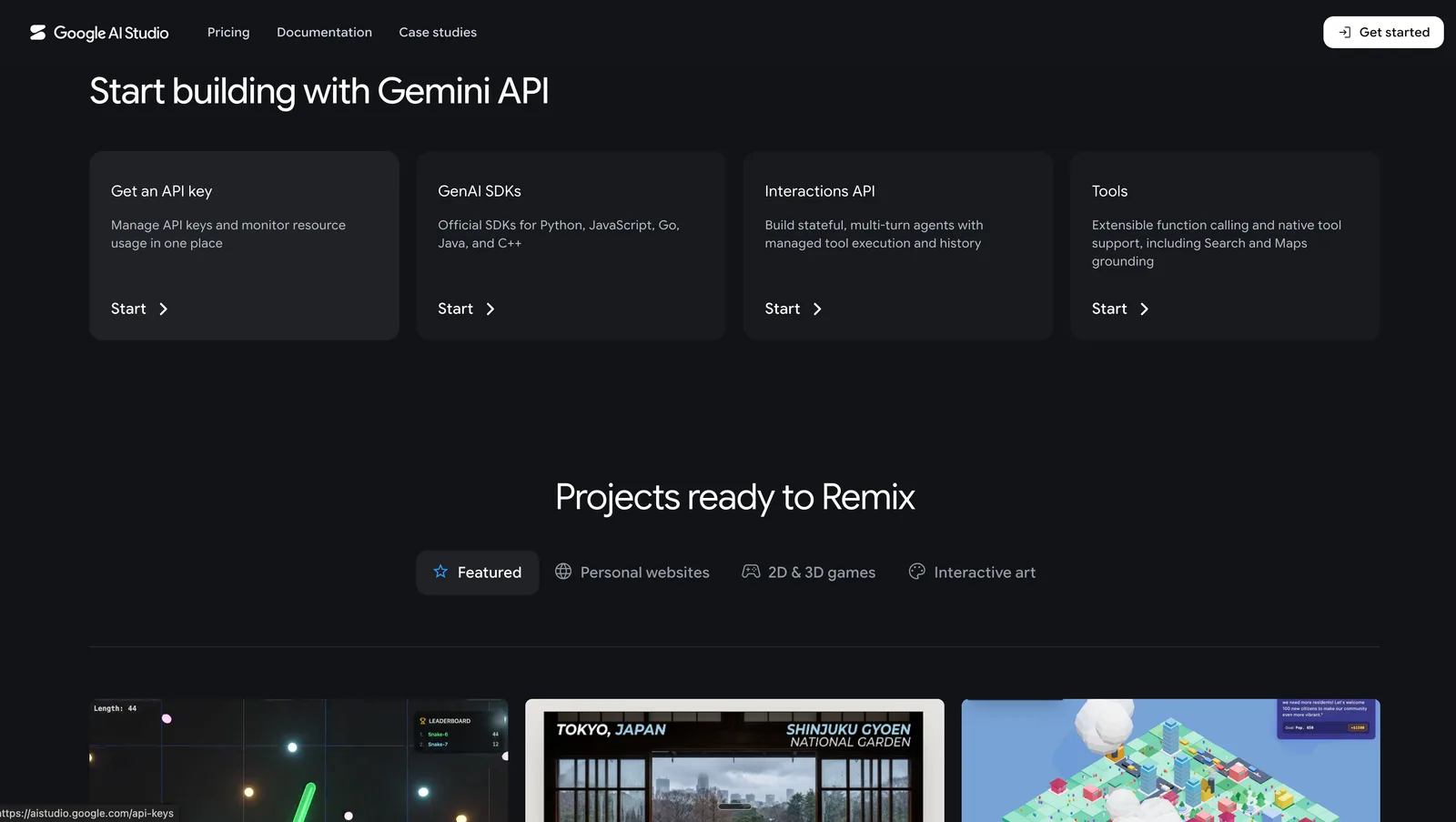
API Key Management: Enables generation and management of API keys for integrating Gemini models into applications.
Real-Time Collaboration: Offers built-in documentation and collaboration tools for team-based development.
Structured Output Testing: Validates JSON schemas and output formats to ensure data integrity.
AI Agent Building: Facilitates creation of functional AI agents directly in the browser.
Google AI Studio Use Cases
Rapid Prototyping for Developers: Build and test generative AI applications using Gemini models with multimodal inputs.
Research Experimentation: Iterate on prompt engineering and structured output validation for academic or industrial research.
Business AI Integration: Integrate Gemini-powered features into business applications via API key management.
Collaborative AI Projects: Enable teams to co-develop, document, and refine AI workflows in real time.
Creative Content Generation: Generate images and videos for marketing or media projects using Imagen 4 and Veo models (paid tier).
Pricing Details
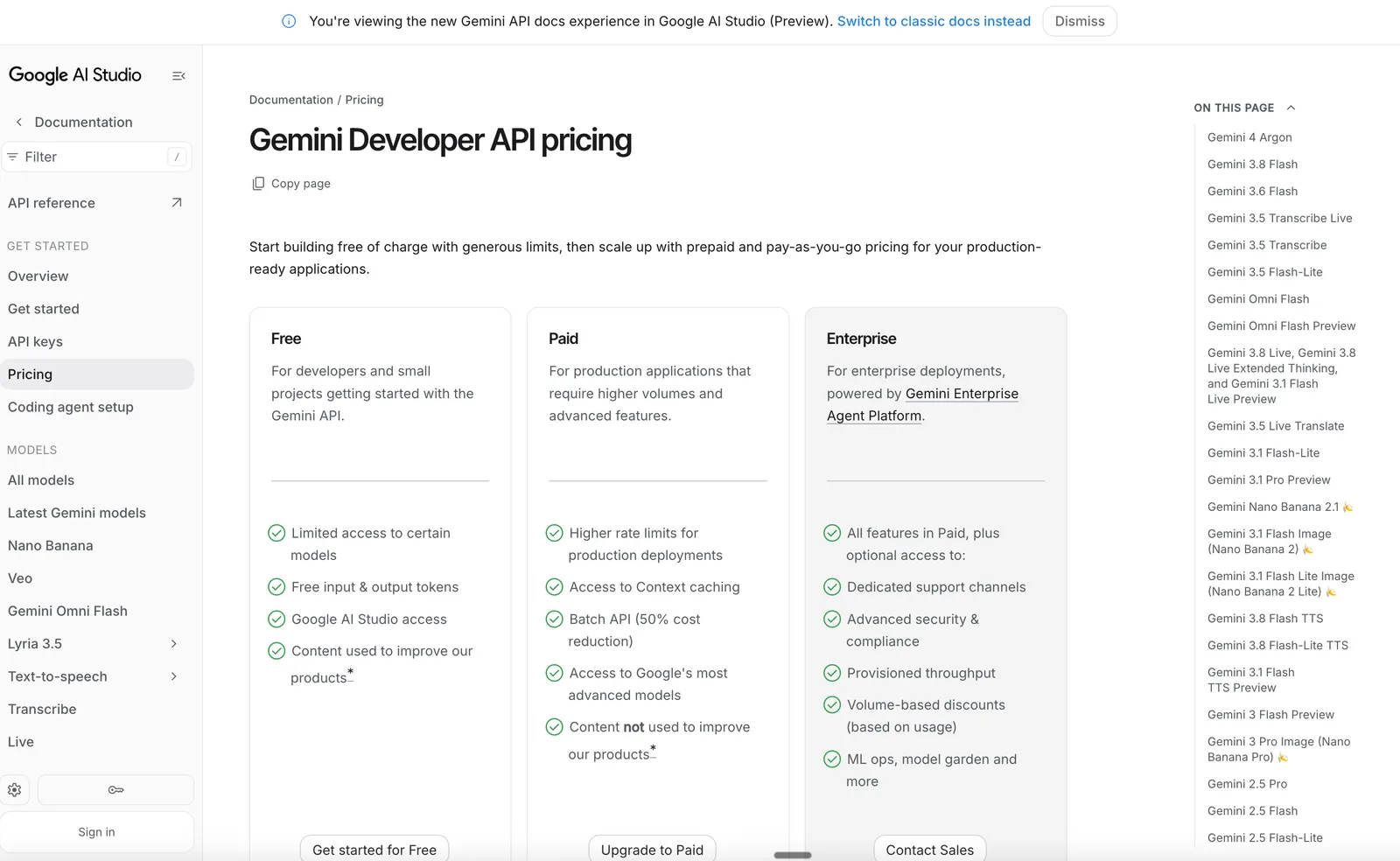
Google AI Studio offers three plans: Free Tier: $0 — includes access to Gemini 3 Flash and Gemini 3 Pro models with limited usage; prompt testing; multimodal input support. AI Pro: $19.99/month — includes higher usage limits; access to Nano Banana Pro and Gemini Pro models; additional features like Gemini Code Assist and Gemini CLI. AI Ultra: $100/month — includes 5x usage limit over Pro plan; access to Gemini app and Google Antigravity; 20TB cloud storage; YouTube Premium; advanced features like Gemini 3.5 Flash.
Google AI Studio Pros & Cons
Pros:
Access to Gemini 3 Pro and Gemini 3 Flash models in the free tier
Multimodal input support for text, image, video, and audio
Real-time collaboration and built-in documentation
Structured output testing for data integrity
Cons:
Free-tier users have limited access to certain models and usage limits
Some advanced features and higher usage limits require paid subscriptions
Product Images